
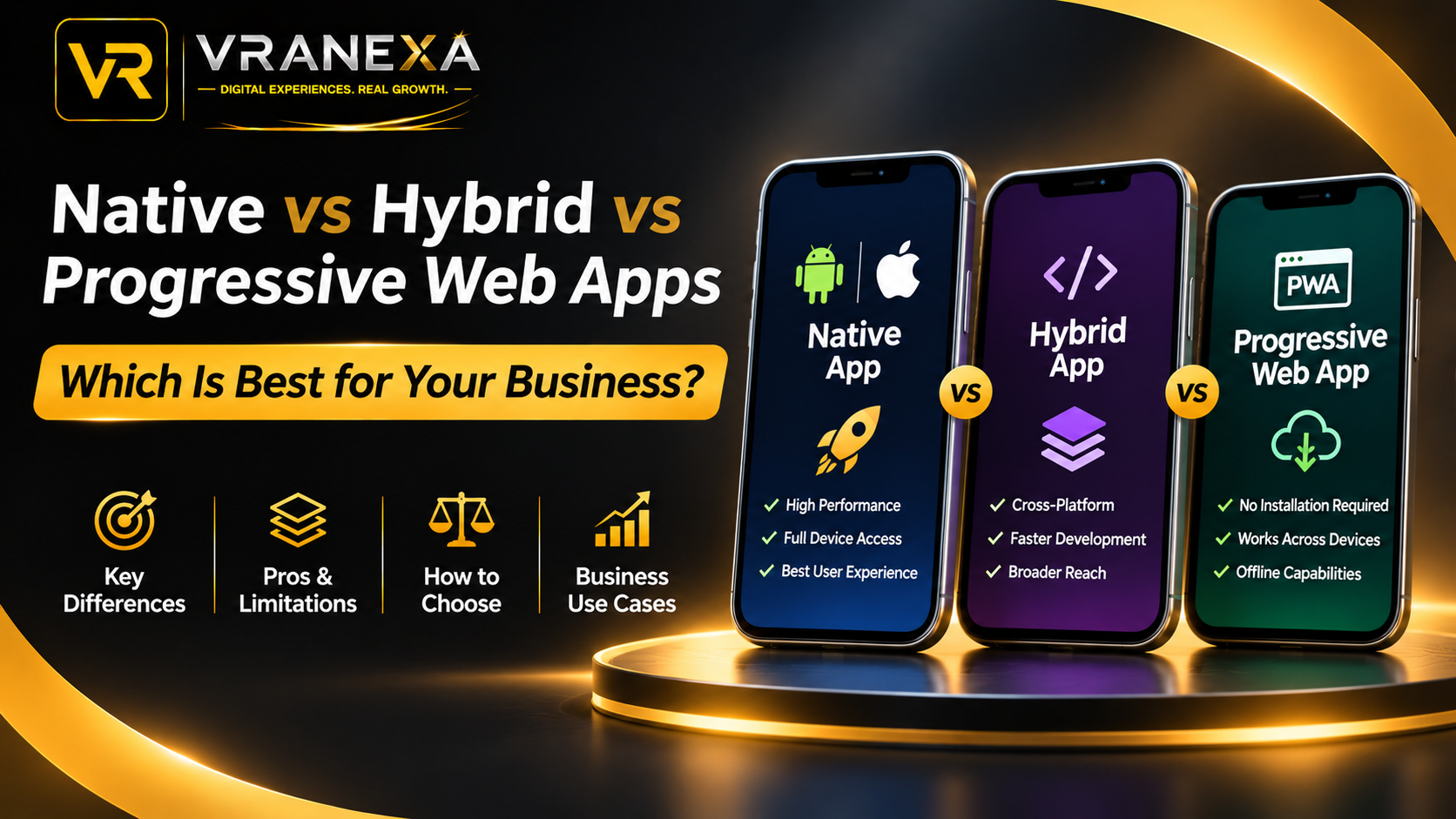
Native vs Hybrid vs Progressive Web Apps: Which Is Best for Your Business?
Mobile applications have become an important way for businesses to connect with customers, deliver services and improve digital experiences.
Whether you run an e-commerce store, healthcare business, educational platform, restaurant or service-based company, a mobile app can make your services more accessible to customers.
However, before starting development, there is an important decision to make:
Should your business choose a native app, a hybrid app or a Progressive Web App (PWA)?
Each approach has different capabilities, development requirements and user experiences.
In this guide, we’ll compare native vs hybrid vs PWA, explain how each technology works and help you identify the right approach for your business goals.
What Are the Different Types of Mobile Apps?
Mobile applications can be built using different technologies and architectures.
Three commonly discussed approaches are:
- Native apps: Applications developed specifically for platforms such as Android or iOS.
- Hybrid apps: Applications that combine web technologies with a native application container.
- Progressive Web Apps: Web applications enhanced with capabilities such as installation and offline support where browsers and devices allow them.
Cross-platform development is another important approach. Frameworks such as Flutter and React Native allow developers to share code across platforms while producing native application experiences.
Understanding these differences is essential before selecting a mobile development strategy.
What Is a Native Mobile App?
A native mobile app is developed specifically for an operating system.
For example:
- Android applications may be developed using Kotlin or Java.
- iOS applications may be developed using Swift or Objective-C.
Native applications use platform-specific development tools and APIs.
Key Features of Native Apps
- Direct access to supported device features
- Platform-specific user interface components
- Strong integration with operating system capabilities
- Support for complex animations and interactions
- Access to native development tools
- Distribution through supported app stores
Advantages of Native App Development
1. Platform Integration
Native applications can use operating system APIs for features such as cameras, notifications, sensors and location services, subject to permissions and platform restrictions.
2. Performance
Native development can be well suited to applications requiring demanding graphics, advanced animations or intensive device processing.
3. User Experience
Developers can create interfaces that follow the design conventions of Android or iOS.
4. Device Capabilities
Native applications can integrate deeply with supported hardware and operating system features.
Limitations of Native Apps
Native development may require separate platform-specific implementation and maintenance when supporting both Android and iOS.
The development process also needs to account for operating system updates, device compatibility and app store requirements.
When Should a Business Choose a Native App?
Native development can be a suitable option for:
- Graphics-intensive applications
- Advanced camera applications
- Complex device integrations
- Applications requiring platform-specific functionality
- Experiences with demanding performance requirements
You can explore the official Android Developers documentation and Apple Developer documentation to learn more about native development capabilities.
What Is a Hybrid Mobile App?
A hybrid mobile app combines web technologies with a native application container.
Hybrid applications commonly use technologies such as HTML, CSS and JavaScript for their interface.
Frameworks such as Capacitor can package web applications for mobile platforms and provide access to supported native functionality through plugins.
Key Features of Hybrid Apps
- Web-based application interfaces
- Native application packaging
- Shared web technology across platforms
- Access to supported device APIs through plugins
- App store distribution where platform requirements are met
Advantages of Hybrid App Development
1. Shared Technology
Development teams can reuse web development knowledge and application code.
2. Cross-Platform Reach
A shared application foundation can support multiple mobile platforms.
3. Familiar Development Tools
Businesses with existing web applications may be able to reuse parts of their technology stack.
4. Native Integrations
Plugins can provide access to supported device capabilities.
Limitations of Hybrid Apps
Some advanced native features may require additional platform-specific development.
Performance and interface behavior depend on the framework, implementation and device capabilities.
When Should a Business Choose a Hybrid App?
Hybrid development may be appropriate for:
- Business service applications
- Internal employee tools
- Content-driven applications
- Customer account portals
- Applications built around existing web functionality
For additional technical guidance, visit the Capacitor documentation.
What Is a Progressive Web App (PWA)?
A Progressive Web App is a web application that uses modern browser capabilities to provide an enhanced user experience.
Depending on browser and platform support, a PWA may offer installation, offline functionality, notifications and other app-like features.
Unlike a conventional app store application, a PWA is fundamentally accessed through the web.
Key Features of Progressive Web Apps
- Access through a website URL
- Responsive layouts
- Installation support on compatible devices
- Offline experiences when properly implemented
- Secure delivery through HTTPS
- Search-engine-accessible web content
- Updates delivered through the web
Advantages of Progressive Web Apps
1. Easy Access
Users can open a PWA through a browser without necessarily installing an application first.
2. Cross-Device Compatibility
A well-designed PWA can work across different screen sizes and supported browsers.
3. Search Visibility
Because PWAs use web URLs, their accessible content can be discovered by search engines when standard crawling and indexing requirements are met.
4. App-Like Experience
Supported devices may allow users to install the application and launch it from their home screen.
5. Offline Support
Service workers can enable selected offline functionality when implemented correctly.
Limitations of Progressive Web Apps
Not every browser or operating system supports the same capabilities.
Some device integrations and background operations may be restricted or unavailable.
When Should a Business Choose a PWA?
A PWA can be suitable for:
- Online catalogs
- Content platforms
- Business dashboards
- Booking interfaces
- Customer self-service portals
- Mobile-friendly web services
For more information, read the MDN Progressive Web Apps guide.
Native vs Hybrid vs PWA: Key Differences
The following comparison highlights the major differences between these approaches.
| Feature | Native App | Hybrid App | PWA |
|---|---|---|---|
| Primary technology | Platform-specific | Web technologies in native container | Web technologies |
| Installation | Typically installed application | Typically installed application | Browser access; installation where supported |
| Device integration | Extensive platform APIs | Supported APIs through plugins and native code | Browser-supported APIs |
| Offline functionality | Can be implemented | Can be implemented | Can be implemented with service workers |
| App store distribution | Common | Possible | Platform-dependent |
| Search discoverability | App-specific discovery methods | App-specific discovery methods | Web URLs can be indexed |
| Platform customization | Extensive | Depends on framework and native integration | Depends on browser capabilities |
| Best suited for | Deep native experiences | Web-based mobile applications | Web-first app experiences |
No single approach is automatically the best for every business.
The right decision depends on your application’s functionality, target audience and technical requirements.
Where Do Flutter and React Native Fit?
Flutter and React Native are often discussed alongside native and hybrid development, but they should not automatically be treated as traditional WebView-based hybrid frameworks.
They are cross-platform application development technologies.
Flutter
Flutter allows developers to build applications using a shared codebase and its own rendering framework.
It can be used to develop mobile applications with customized interfaces and animations.
Learn more through the Flutter documentation.
React Native
React Native allows developers to build applications using React and native platform components.
It supports shared application logic while allowing platform-specific code when needed.
Read the React Native documentation.
Cross-Platform vs Native Development
Cross-platform frameworks can reduce duplicated application logic, but they do not eliminate all platform-specific work.
Native development remains valuable for specialized functionality, while cross-platform technologies can be effective for many business applications.
How to Choose the Right Mobile App for Your Business
Before selecting a development approach, evaluate your business requirements.
1. Define Your App’s Main Purpose
Identify what the application should help users accomplish.
For example:
- Book appointments
- Browse products
- Track orders
- Access educational content
- Communicate with your team
- Manage customer accounts
The application’s purpose should guide technical decisions.
2. Understand Your Target Audience
Consider whether your customers primarily use Android devices, iPhones, desktop browsers or a combination.
User preferences and device capabilities influence the best delivery method.
3. Identify Essential Features
Prepare a list of required features.
Examples include:
- User registration and login
- Push notifications
- Camera integration
- Location services
- Offline functionality
- Secure payments
- Real-time messaging
- Analytics
- Admin dashboards
Not every feature is equally supported across native, hybrid and web-based approaches.
4. Evaluate Performance Requirements
Consider whether your application needs advanced animations, intensive graphics, background processing or specialized hardware access.
Performance requirements can influence your technology selection.
5. Plan the User Experience
Your application should provide:
- Simple navigation
- Readable content
- Clear calls to action
- Accessible interface elements
- Responsive interactions
- Reliable error handling
Good application design starts with understanding how users will complete important tasks.
6. Consider Future Expansion
Think about features your business may need later.
Choose an architecture that supports reasonable expansion without making the initial application unnecessarily complicated.
Essential Features of a Successful Business Mobile App
Regardless of the technology selected, successful business applications share several important characteristics.
User-Friendly Interface
Users should be able to navigate the application without unnecessary confusion.
Secure Authentication
Applications that manage customer accounts should use appropriate authentication and authorization mechanisms.
Reliable Performance
Important actions should work consistently across supported devices and network conditions.
Data Protection
Protect sensitive information using secure communication, appropriate access controls and established development practices.
Analytics and Monitoring
Understand how users interact with your application and identify technical problems.
Accessibility
Consider readable typography, sufficient contrast, assistive technology compatibility and accessible controls.
Regular Maintenance
Maintain compatibility with platform changes, update dependencies and resolve identified issues.
Common Mobile App Development Mistakes to Avoid
Businesses should avoid these common mistakes:
- Starting development without clear objectives.
- Selecting a framework without evaluating required features.
- Ignoring Android and iOS compatibility.
- Creating complicated navigation.
- Neglecting application security.
- Failing to test on real devices.
- Ignoring accessibility requirements.
- Not planning for backend infrastructure.
- Overlooking app store policies.
- Launching without a maintenance strategy.
Careful planning and testing can help create a more reliable application.
Mobile App Security Best Practices
Security should be considered throughout the application lifecycle.
Important practices include:
- Use secure network communication.
- Validate input on the server.
- Protect authentication tokens.
- Apply appropriate authorization checks.
- Avoid storing unnecessary sensitive information.
- Keep frameworks and dependencies updated.
- Test application security before release.
- Monitor and address vulnerabilities.
The OWASP Mobile Application Security project provides useful security guidance for mobile applications.
Frequently Asked Questions
What is the difference between native, hybrid and PWA?
Native apps are built for specific operating systems. Hybrid apps use web technologies inside native application containers. PWAs are web applications enhanced with app-like capabilities supported by browsers and devices.
Which type of mobile app is best for a small business?
The best choice depends on your customers, required features, device integrations and business goals. A PWA may suit a web-first service, while native or cross-platform development may suit an installed mobile application.
Can hybrid apps access mobile device features?
Yes. Hybrid apps can access supported device capabilities through plugins or native integrations. Available features depend on the framework and platform.
Can a PWA work offline?
Yes. A PWA can support offline functionality when appropriate caching and service worker features are implemented. The available experience depends on the application design and browser support.
Are Flutter and React Native hybrid frameworks?
They are generally categorized as cross-platform application development frameworks rather than traditional WebView-based hybrid frameworks.
Can Progressive Web Apps appear in Google Search?
Yes. Accessible web content within a PWA can be crawled and indexed when it meets Google’s technical and content requirements. Indexing is not guaranteed.
Is native development always faster?
Native development can provide strong platform-specific performance, but actual application speed depends on architecture, implementation, device capabilities and workload.
Can a business start with a website and develop an app later?
Yes. Many businesses begin with a responsive website and introduce a mobile application when their requirements justify a dedicated app experience.
Final Thoughts
Choosing between native vs hybrid vs PWA is an important decision for businesses planning a mobile application.
Native development provides deep platform integration. Hybrid development combines web technologies with native application packaging. Progressive Web Apps provide enhanced experiences through the web.
Cross-platform frameworks such as Flutter and React Native offer additional options for building applications across mobile operating systems.
The right solution depends on your audience, required functionality, user experience expectations and future development plans.
Instead of selecting a technology based only on popularity, start with your business goals and choose the approach that best supports your users.
Ready to Build a Mobile App for Your Business?
Vranexa helps businesses explore digital solutions, including mobile-friendly experiences and application development.
Whether you’re planning an Android app, iOS app, cross-platform application or PWA, defining the right technical approach is an important first step.
Contact Vranexa to discuss your mobile application requirements and explore a suitable development approach.
Let’s build your high-converting website.
Get a fast, responsive and SEO-ready website designed for real business growth.