
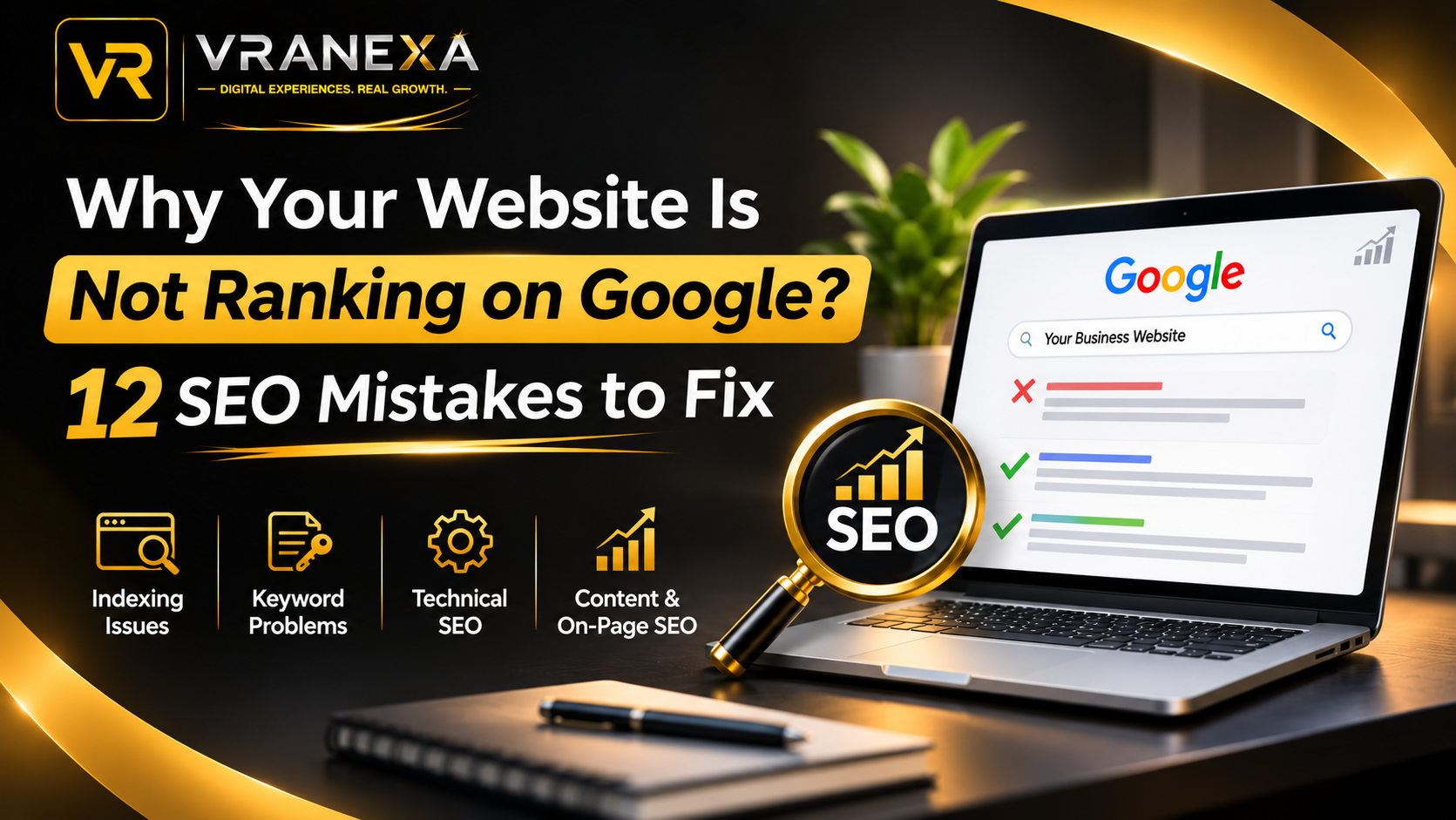
Your website is live, your services are listed, and your business is ready to attract customers. But there is one frustrating problem: your website is not ranking on Google.
This is a common challenge for businesses that invest in a website but struggle to generate organic search visibility.
A website may fail to appear for relevant searches because of indexing problems, technical issues, weak content, poor keyword targeting or strong competition.
The good news is that many SEO problems can be identified and improved through a structured website audit.
In this guide, we’ll explore 12 common SEO mistakes, explain how they affect your website and show you practical steps to improve your search visibility.
Why Is Your Website Not Ranking on Google?
Before making changes, it is important to understand the difference between crawling, indexing and ranking.
Crawling: Search engines discover and access website pages.
Indexing: Search engines analyze pages and may store them in their searchable index.
Ranking: Search engines decide which indexed pages are most relevant to a particular search.
A page may be accessible but not indexed. It may also be indexed without appearing prominently for your target keywords.
According to Google’s explanation of how Search works, crawling, indexing and serving search results are separate stages.
Understanding where your website is struggling is the first step toward improving its SEO.
1. Your Website Pages Are Not Indexed
One of the first things to check when your website is not ranking on Google is whether your important pages are indexed.
If Google has not indexed a page, it generally cannot appear as a normal organic search result.
Common Indexing Problems
- Pages marked with a noindex directive
- Incorrect canonical URLs
- Server or accessibility problems
- Duplicate or very similar content
- Pages that Google has discovered but not crawled
- Pages crawled but not selected for indexing
How to Fix It
Open Google Search Console and inspect the affected URL.
Review its indexing status, crawl information, canonical selection and any reported restrictions.
If the page is technically accessible and contains useful content, you can request indexing through URL Inspection.
You should also ensure that important pages are included in your XML sitemap and linked from relevant website pages.
Important: Submitting a sitemap or requesting indexing does not guarantee inclusion in Google’s index.
2. You Are Targeting the Wrong Keywords
Keyword targeting is one of the most important parts of SEO.
If your website targets keywords that do not match your audience’s search intent, attracting relevant visitors becomes more difficult.
For example, someone searching for “what is SEO” wants information, while someone searching for “SEO services for small businesses” may be evaluating service providers.
These searches have different purposes.
How to Fix It
Start by identifying:
- Your target customers
- Their main problems
- The services they need
- The questions they ask
- The terms they use when searching
Choose one primary search intent for each important page.
Use your primary keyword naturally in the title, main heading and relevant content.
Avoid repeating keywords unnecessarily.
3. Your Website Content Is Not Helpful Enough
Publishing content is not the same as providing useful information.
Generic articles that repeat common advice without answering specific questions may struggle to stand out.
Your content should help visitors solve a problem, understand a service or make an informed decision.
How to Fix It
Improve your content by including:
- Clear explanations
- Practical examples
- Original insights
- Step-by-step guidance
- Relevant questions and answers
- Accurate and updated information
- Helpful internal and external references
For example, a website development article should explain which website type suits different business requirements rather than simply listing generic benefits.
Google’s SEO Starter Guide emphasizes useful, well-organized content.
4. Your Website Has Poor On-Page SEO
On-page SEO helps visitors and search engines understand the purpose of each page.
Important elements include:
- SEO title
- Meta description
- Main heading
- Subheadings
- Descriptive URLs
- Relevant page content
- Internal links
- Image alternative text
How to Fix It
Give every important page a descriptive title that accurately represents its content.
Use one clear primary heading and organize the remaining content with meaningful subheadings.
Write a relevant meta description that summarizes the page and encourages suitable visitors to explore it.
Use readable URLs such as:
example.com/seo-services/
Avoid creating multiple pages with nearly identical titles and content unless they serve genuinely different needs.
5. Your Website Has Technical SEO Problems
Technical SEO issues can prevent search engines from accessing or understanding important pages.
Common problems include:
- Broken internal links
- Incorrect redirects
- Server errors
- Accidental noindex settings
- Incorrect canonical tags
- Blocked resources
- Unavailable pages
- Rendering issues
How to Fix It
Perform a technical website audit.
Check that important pages return successful HTTP responses and are accessible to search engine crawlers.
Review redirects, canonical tags, robots directives and sitemap entries.
Use Google Search Console to investigate reported crawling and indexing issues.
Do not remove robots.txt restrictions or change canonical URLs without understanding why they were configured.
6. Your Website Loads Slowly
Website performance affects the user experience.
Slow pages may frustrate visitors, especially on mobile devices or slower connections.
Although speed improvements alone do not guarantee better rankings, performance optimization is an important part of website quality.
How to Fix It
Consider:
- Compressing and properly sizing images
- Reducing unnecessary scripts
- Using suitable caching
- Improving hosting performance
- Avoiding excessive third-party resources
- Reducing layout shifts
- Optimizing critical page resources
Use Google PageSpeed Insights to identify performance opportunities.
Google also provides Core Web Vitals guidance covering loading performance, responsiveness and visual stability.
7. Your Website Is Difficult to Use on Mobile
A website that works well on desktop but poorly on smartphones can create a frustrating experience.
Common mobile usability problems include:
- Text that is difficult to read
- Buttons placed too close together
- Navigation menus that are difficult to use
- Content extending beyond the screen
- Forms that are difficult to complete
- Large images affecting page layout
How to Fix It
Use responsive website design and test important pages on different screen sizes.
Make sure visitors can read your content, navigate services and submit enquiry forms without difficulty.
Pay special attention to the mobile experience of your homepage, service pages and contact page.
8. Your Website Has Weak Internal Linking
Internal links connect related pages within your website.
They help visitors explore relevant content and make it easier for search engines to discover pages.
For example, an article about business websites can link to relevant website development and maintenance services.
How to Fix It
Create contextual links between related pages.
Use descriptive anchor text that explains the destination.
Examples include:
- Website development services
- Search engine optimization services
- Website maintenance and support
- Contact our team
Avoid adding links only to increase their number.
Every important page should be discoverable through a logical navigation or internal linking structure.
9. Your Website Has Duplicate or Overlapping Content
Publishing several pages that target nearly identical search intents can create unnecessary competition between your own pages.
For example, two service pages with very similar content may make it harder to establish a clear preferred destination.
Duplicate content does not automatically mean a Google penalty, but it can create canonicalization and content-management problems.
How to Fix It
Review pages that cover the same topic.
Ask:
- Do these pages serve different audiences?
- Do they answer different questions?
- Does each page provide distinct information?
- Should the content be consolidated?
- Is the canonical URL appropriate?
When two pages serve the same purpose, consider improving one primary page and consolidating overlapping information.
Read Google’s canonicalization documentation for guidance.
10. Your Website Lacks Relevant Authority Signals
Search engines evaluate many signals when determining which pages are useful and relevant.
A website with limited recognition, weak content or few meaningful references may find it difficult to compete for certain searches.
However, buying large numbers of artificial backlinks is not a reliable SEO strategy.
How to Fix It
Focus on building genuine visibility through:
- Original educational content
- Useful industry resources
- Relevant business relationships
- Legitimate industry mentions
- Helpful contributions to relevant publications
- Accurate business information
- Strong service pages
Prioritize relevance and credibility rather than the number of backlinks.
11. You Are Ignoring Local SEO
Local SEO is important for businesses that serve customers in specific cities or service areas.
If your business targets customers in Delhi or another location, your website should clearly explain the areas you serve.
How to Fix It
If your business is eligible, create and maintain an accurate Google Business Profile.
Also consider:
- Clear business contact information
- Relevant service-area details
- Location-specific content where genuinely useful
- Consistent business information
- Authentic customer reviews
- Relevant local business listings
Avoid creating large numbers of nearly identical city pages that provide little unique value.
Local SEO works best when your content accurately reflects your business operations and customers.
12. You Are Not Tracking SEO Performance
Without reliable data, it is difficult to understand which SEO changes are helping.
A website owner may assume rankings are improving when impressions are increasing but qualified clicks remain limited.
How to Fix It
Use Google Search Console to monitor:
- Organic search clicks
- Search impressions
- Average click-through rate
- Search queries
- Pages receiving traffic
- Indexing status
Use analytics tools to understand how visitors interact with your website after arriving.
Review performance trends over meaningful periods rather than expecting immediate results after every update.
SEO Audit Checklist for Business Websites
Use this checklist when reviewing your website:
- Important pages are accessible and indexable
- XML sitemap contains preferred URLs
- Primary keywords match search intent
- Each page has a descriptive SEO title
- Content is useful and original
- Internal links connect related pages
- Broken links and server errors are addressed
- Canonical URLs are appropriate
- Website works well on mobile devices
- Page performance has been reviewed
- Contact forms work correctly
- Search Console performance is monitored
An SEO audit helps prioritize improvements based on actual problems rather than assumptions.
How Long Does It Take to Improve Google Rankings?
SEO results depend on several factors, including competition, content quality, technical accessibility and the changes made.
Some updates may be reflected relatively quickly, while others take longer to influence search performance.
There is no guaranteed timeline for reaching a particular ranking position.
Focus on sustainable improvements and use Search Console data to evaluate progress.
Frequently Asked Questions
Why is my website not ranking on Google?
Possible reasons include indexing problems, weak content, poor keyword targeting, technical SEO issues, limited authority or strong competition. Google Search Console can help identify the starting point for investigation.
How do I check whether my website is indexed?
Use the URL Inspection tool in Google Search Console to review the indexing status of a specific page.
Can a website rank without backlinks?
A page can appear in search results without having backlinks directly pointing to it. However, ranking depends on relevance, competition and many other signals.
Does submitting a sitemap improve rankings?
A sitemap helps search engines discover preferred URLs. It does not directly guarantee indexing or higher rankings.
How can I improve my website’s on-page SEO?
Use relevant page titles, descriptive headings, useful content, appropriate keywords, internal links and clear website structure.
Why does Google crawl a page but not index it?
Google may crawl a page without selecting it for indexing. Possible factors include duplicate content, limited value, canonical selection or other indexing considerations.
Is mobile optimization important for SEO?
Yes. A usable mobile experience helps visitors access your content and is an important part of modern website development.
Can SEO guarantee first-page rankings?
No. Search rankings depend on multiple factors, and no legitimate SEO provider can guarantee a specific organic position.
Final Thoughts
If your website is not ranking on Google, the solution is not simply to add more keywords or publish more pages.
Start by checking whether your important pages are indexed, then review technical SEO, content quality, keyword targeting, internal linking and user experience.
A structured approach helps identify problems and prioritize meaningful improvements.
SEO is an ongoing process that requires monitoring, testing and consistent attention to your audience’s needs.
Need Help Improving Your Website’s SEO?
Vranexa helps businesses improve their websites through SEO, website optimization and digital marketing services.
Explore our SEO services or contact Vranexa to discuss your website’s search visibility and optimization requirements.
Let’s build your high-converting website.
Get a fast, responsive and SEO-ready website designed for real business growth.